I wrote last week about how to detect and remove zero width space characters (​) from Sublime Text. Turns out the culprit is a bug in Slack.
We use Slack to maintain a code snippet library using their Snippet feature. It works great for a few reasons:
- Maintains tab spacing and breaks
- Syntax highlighted
- Easily searched
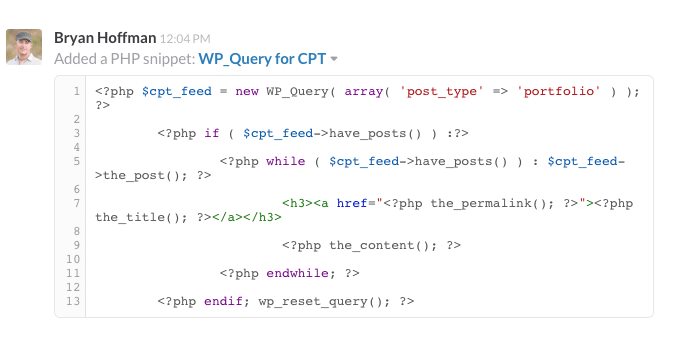
Bad news? Good news!
Unfortunately when copy/pasting from a previous snippet, the unwanted characters get injected. The good news is that Slack is aware of the issue and are working on a fix. Until they do, I’ll continue to simply delete these characters now that I’m able to detect them in Sublime Text.